Turn your Fire TV Stick into a free cinema with Castle for Firestick. You get movies, web series, live TV and cricket in Hindi, Tamil, Telugu and English, with no sign-up and no ads. Castle is not in the Amazon Appstore, so you install it with the free Downloader app. It takes about five minutes, and you only need your remote.
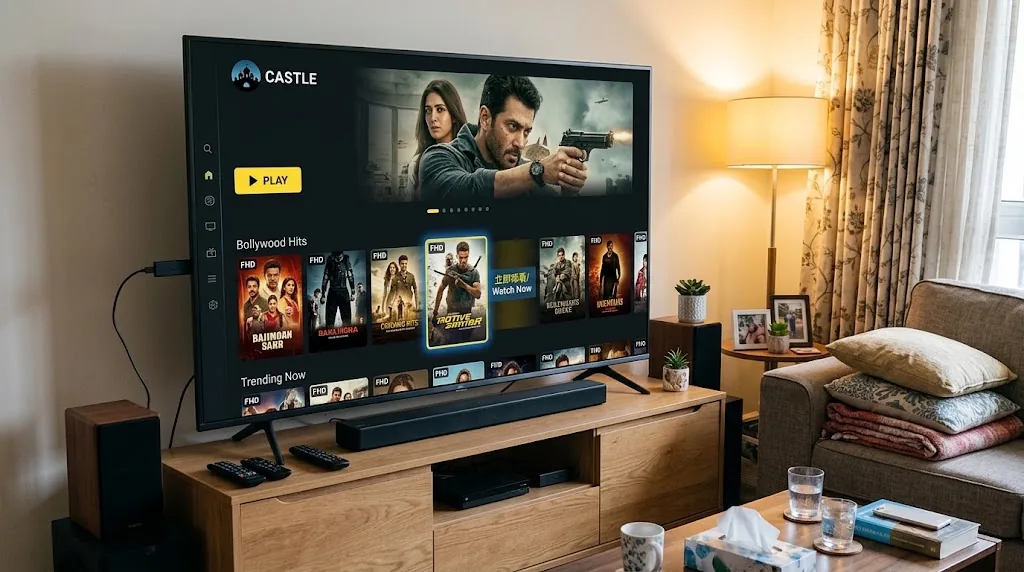
Fire TV Stick runs Fire OS, which is built on Android. That means Castle TV, the big screen build of Castle, can be installed on it like any Android TV app.
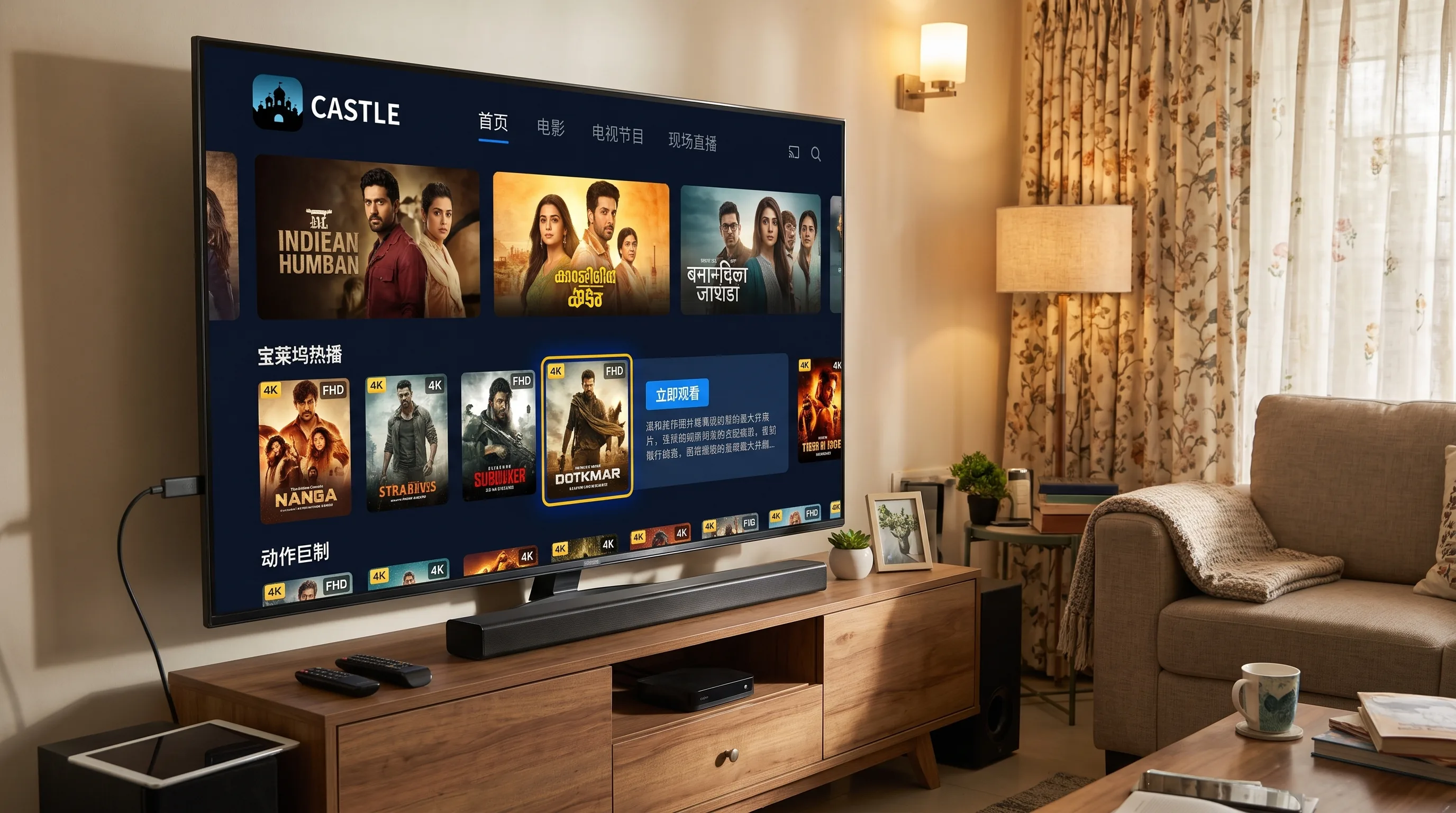
Castle TV v1.1.3 is only 21 MB. That matters on a Fire TV Stick, where storage fills up fast. It is made for the remote, so menus are easy to read from the sofa and you never need a mouse or keyboard. Want Castle on other screens too? See Castle APK for Android or Castle for Android TV.
Amazon blocks apps from outside its store by default, which is why you see a warning during setup. You are not turning off protection for the whole device. You give install permission only to the Downloader app, and you can switch it off again as soon as Castle is installed.
The real safety rule is the source. Download Castle TV only through the official link or code on this page. The genuine file is 21 MB, so a very different size is a red flag.
Keep your remote ready. The whole process takes about five minutes.
From the Fire TV home screen, go to Find, then Search, and type Downloader. Select the app with the orange icon by AFTVnews and click Get. Wait for it to install.
Go to Settings and open My Fire TV. If you do not see Developer Options, open About, highlight your device name (for example Fire TV Stick) and press Select on your remote seven times until it says you are now a developer.
Go back to My Fire TV, open Developer Options, select Install Unknown Apps and switch Downloader to On. On older Fire OS versions this setting is called Apps from Unknown Sources.
Open Downloader and allow storage access if asked.
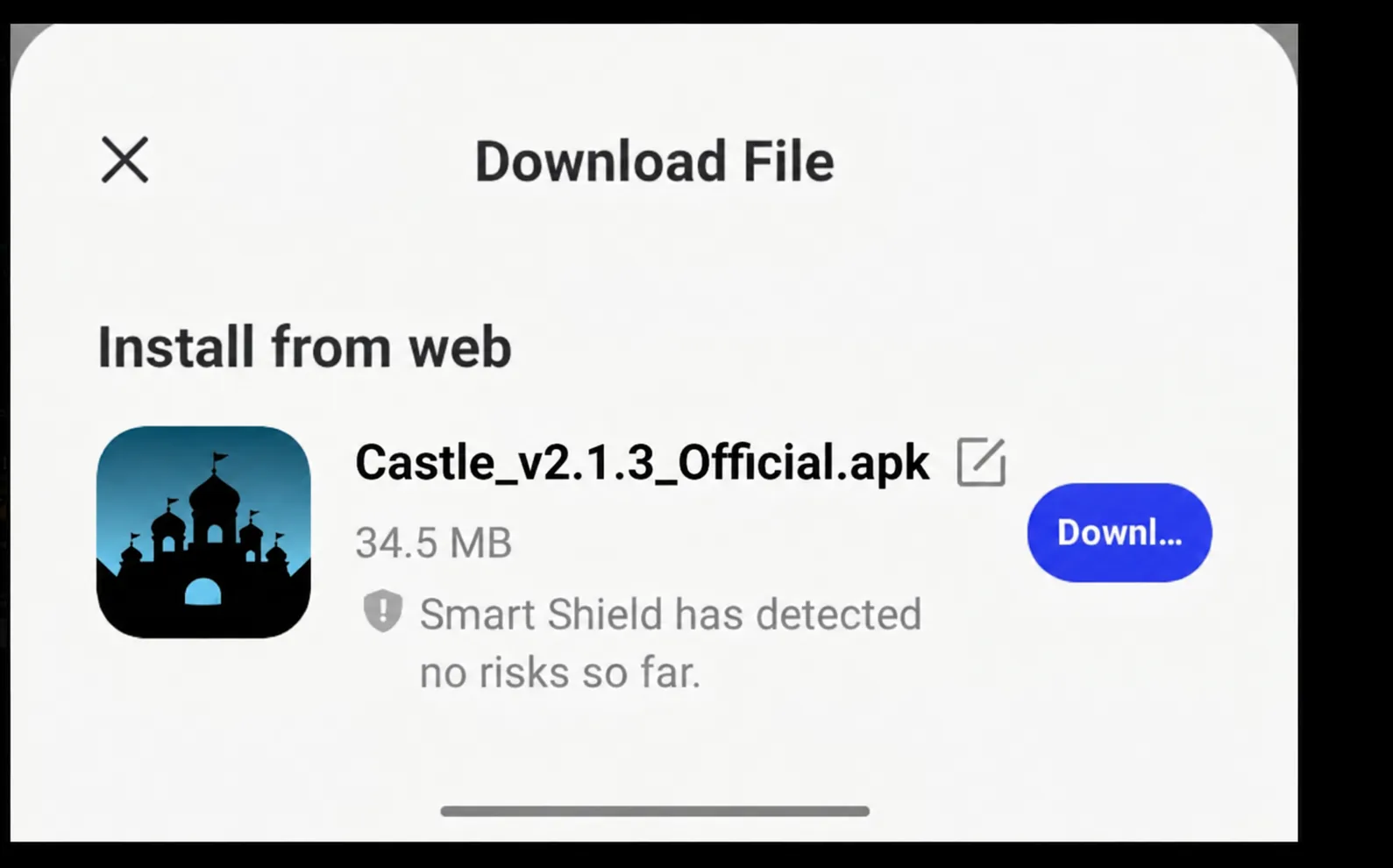
In the URL box, type castletvapk.net/tv, then click Go. The 21 MB file downloads in seconds on most connections.
When the download finishes, click Install. Once it says App installed, click Done. Downloader then offers to delete the APK file. Click Delete to free up space, because you no longer need it.
Press Home, go to Your Apps and Channels and choose See All. Castle appears at the bottom of the list. Press the Menu button (three lines) on your remote and choose Move to front for one click access.
Every menu works with the Fire TV remote's arrow and Select buttons. Large text and clear categories make browsing easy from across the room.
Live channels and sports events look their best on a full sized TV, and the whole family can watch together.
Hindi, Tamil, Telugu and English titles sit in one app, so nobody at home has to switch services.
Pick a lower resolution if your Wi-Fi is weak, or go HD when the connection is strong.
At 21 MB, Castle TV leaves plenty of room on even the basic Fire TV Stick.
Downloader does not have permission yet. Go to Settings, My Fire TV, Developer Options, Install Unknown Apps and make sure Downloader is On.
Go to Settings, Applications, Manage Installed Applications. Uninstall apps you no longer use and clear the cache of large apps, then try again.
Lower the video quality, restart the stick by holding Select and Play for five seconds, and use 5 GHz Wi-Fi if your router supports it. Moving the router closer to the TV often helps more than anything else.
Open Downloader, enter castletvapk.net/tv again, and install the new file over the current version. Your app data stays in place. Check this page once a month for the latest Castle TV version.
Yes. Castle TV is free to install and free to watch.
No. Open Castle and start watching. No email or phone number required.
Fire TV Stick, Fire TV Stick Lite, Fire TV Stick 4K and Fire TV Cube running Android based Fire OS can install Castle TV. Some newer Fire TV devices run Amazon's Vega OS instead, and those cannot install APK files. Check Settings, My Fire TV, About if you are not sure.
No. At 21 MB, Castle TV is light, and it only uses resources while it is open.
Yes. Castle TV includes Hindi, Tamil, Telugu and English content.
Go to Settings, Applications, Manage Installed Applications, select Castle and choose Uninstall.
Castle for Firestick gives you movies, web series, live TV and cricket on the big screen without a single monthly bill. Install Downloader, enter the code, and in five minutes your Fire TV Stick is ready. Download Castle TV today and keep it updated from this page.